February 10, 2026
How to Pack Electronics Safely
Packing electronics safely is one of the most critical aspects of any move, as modern households rely heavily on valuable devices such as computers, televisions, gaming consoles, audio systems, and smart gadgets. These items are highly sensitive to impact, vibration, temperature changes, and static electricity, meaning that even minor mishandling can lead to costly damage, data loss, or permanent malfunction. A careful, structured approach to packing electronics not only protects your investment but also ensures that devices are ready to use once you arrive at your new home.
The process should begin with a thorough assessment and preparation of each electronic device. Taking time to understand the size, weight, fragility, and components of your electronics allows you to choose appropriate packing methods and materials. Large items such as flat-screen televisions, desktop computers, and entertainment systems require special attention due to their size and delicate internal parts. Identifying which items may need extra padding or professional assistance early on helps prevent rushed decisions and reduces the risk of damage during the move.
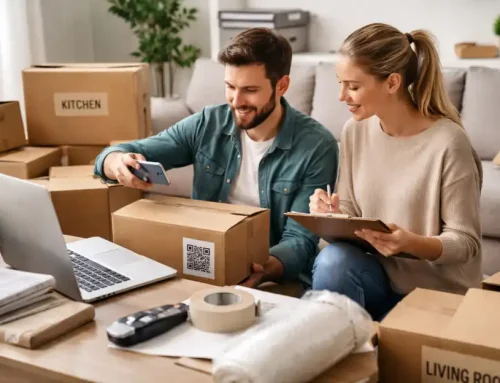
Backing up data is an essential step that should never be overlooked. Computers, external hard drives, tablets, and other storage devices can be vulnerable to failure if subjected to physical shock or power issues during transit. Creating multiple backups, such as cloud storage and external drives, ensures that important documents, photos, and media remain safe even if a device is damaged. In addition, organizing and labeling cables, power cords, and accessories in clearly marked bags or containers prevents confusion and lost components, making reinstallation quicker and less stressful.
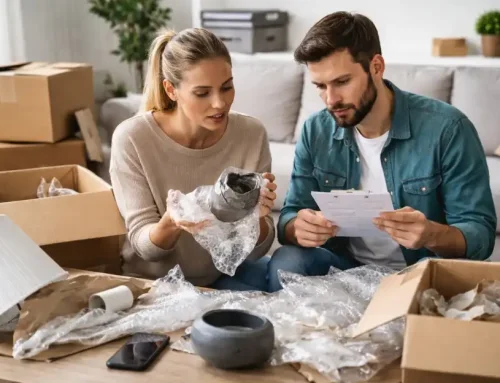
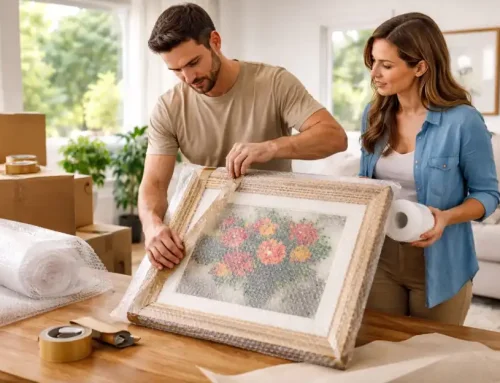
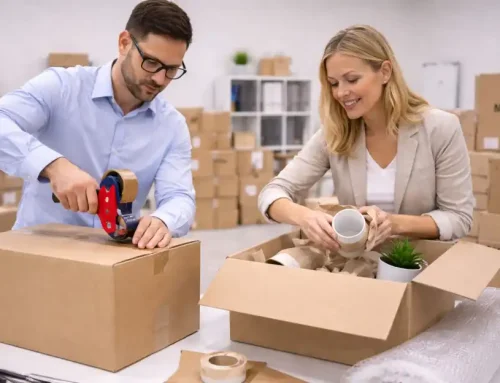
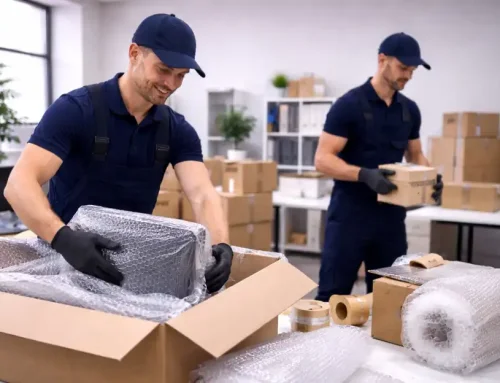
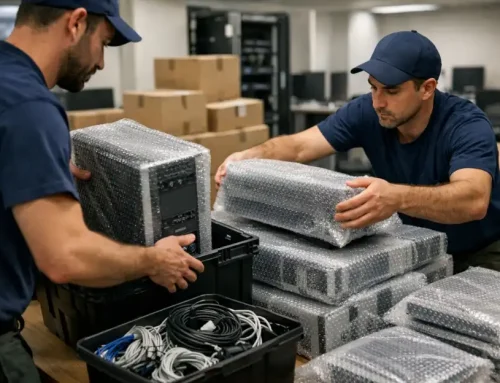
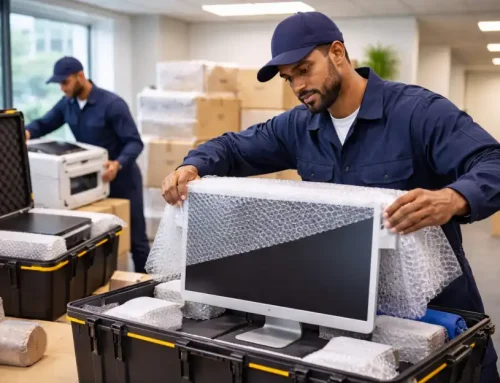
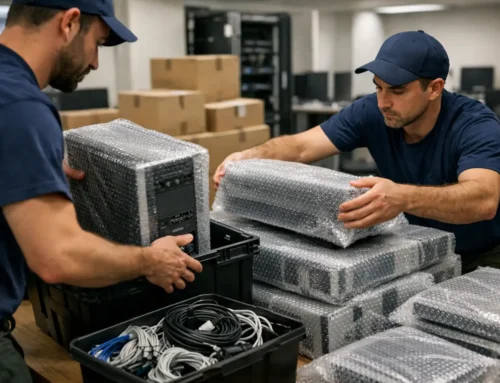
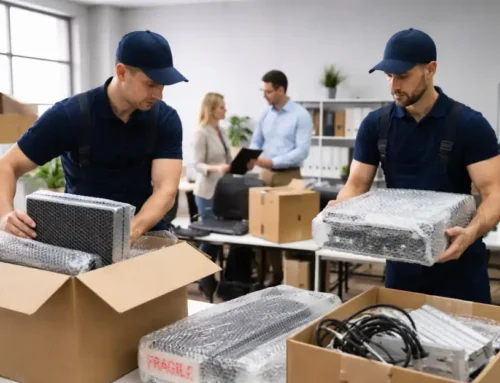
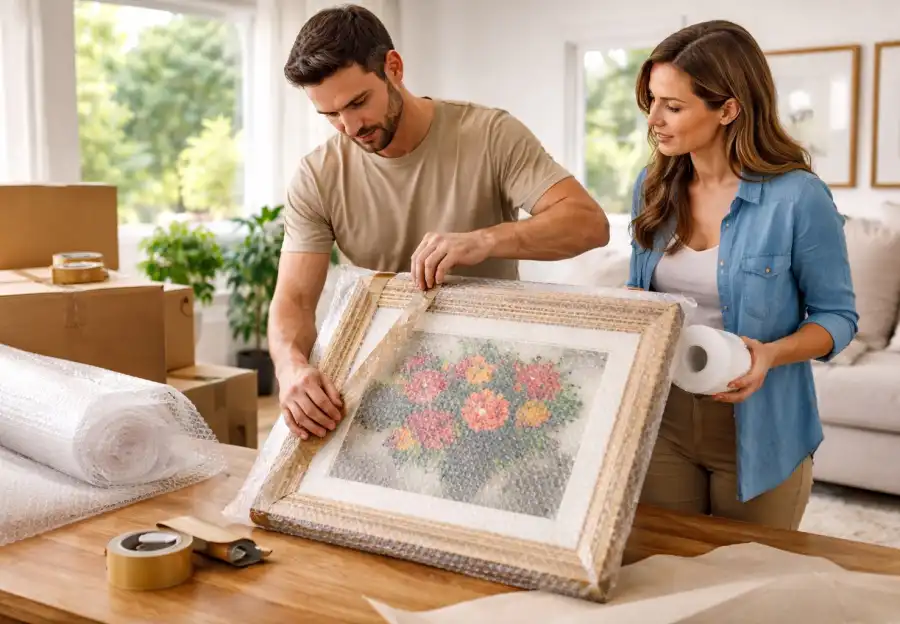
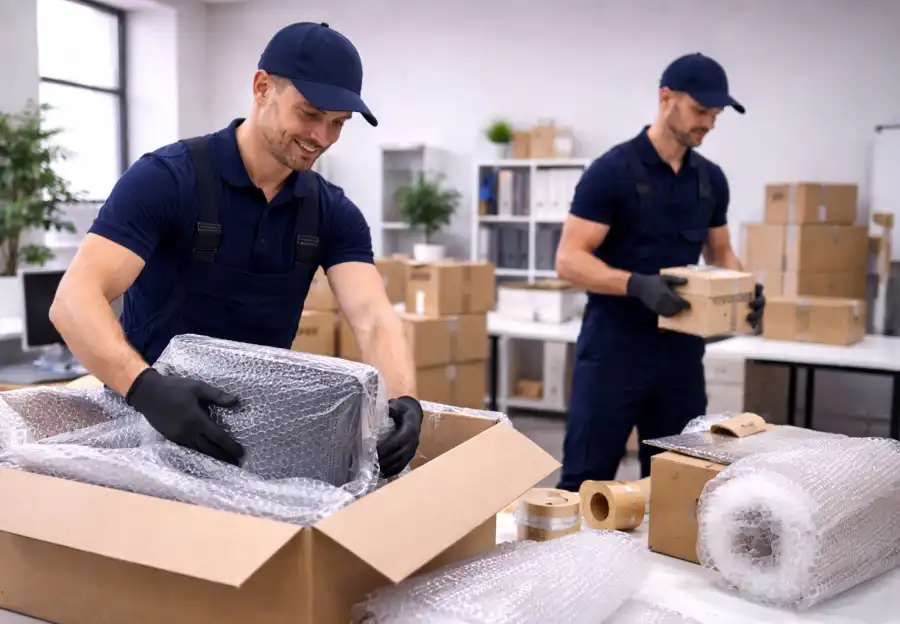
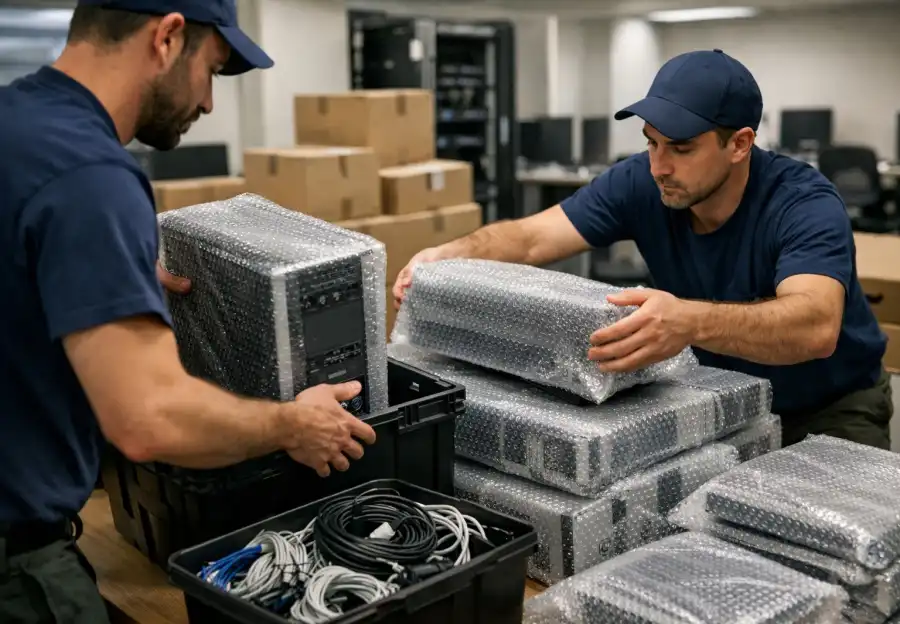
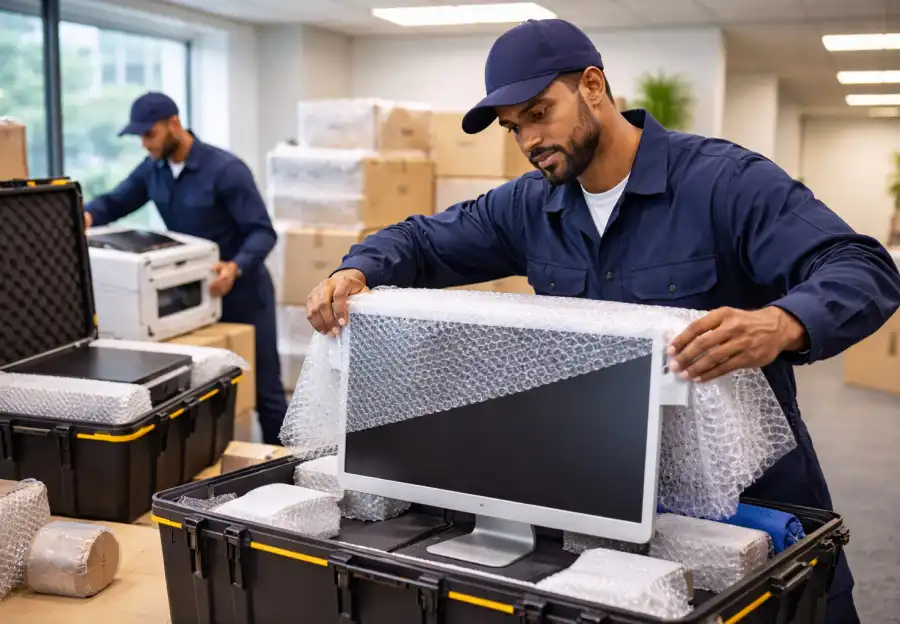
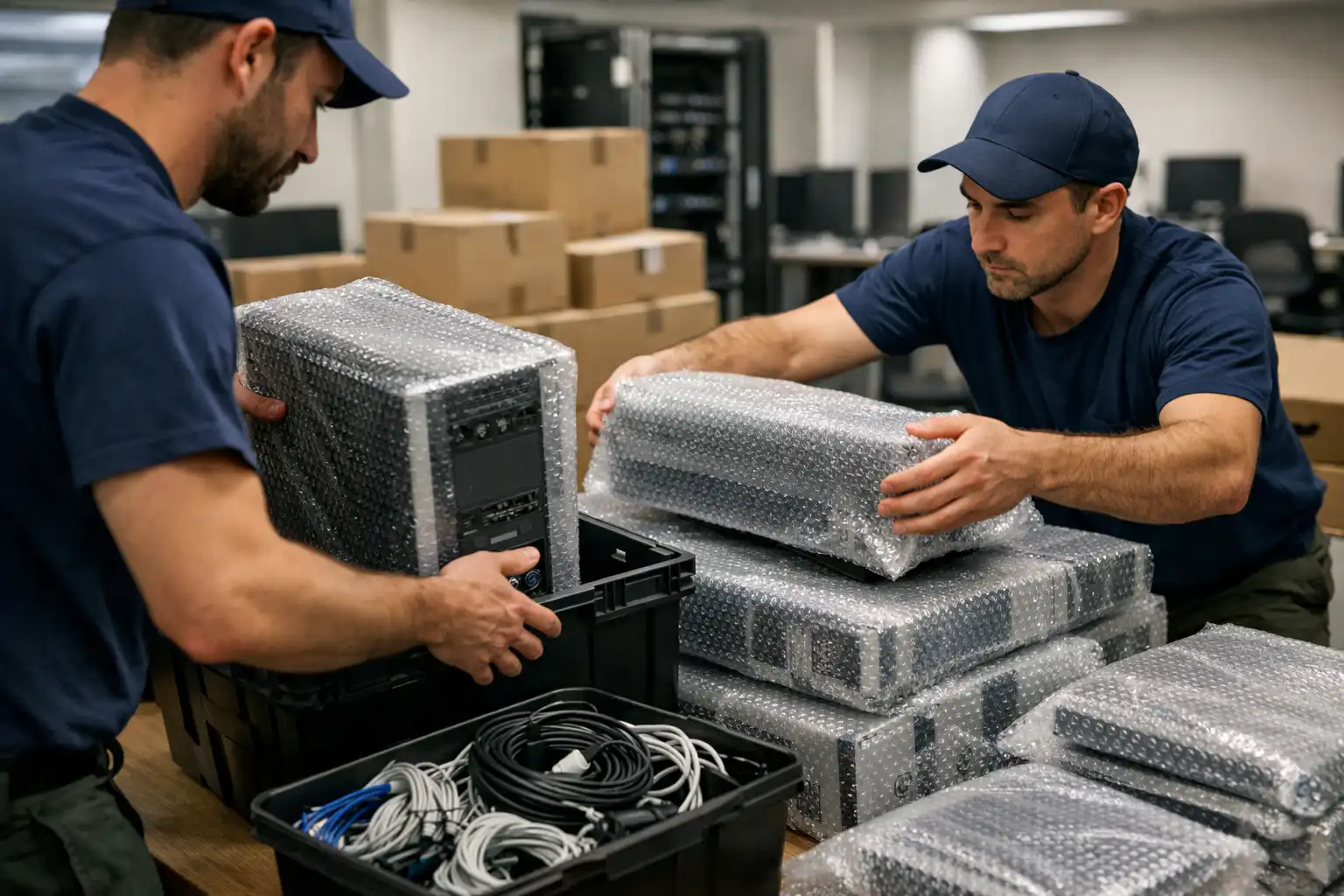
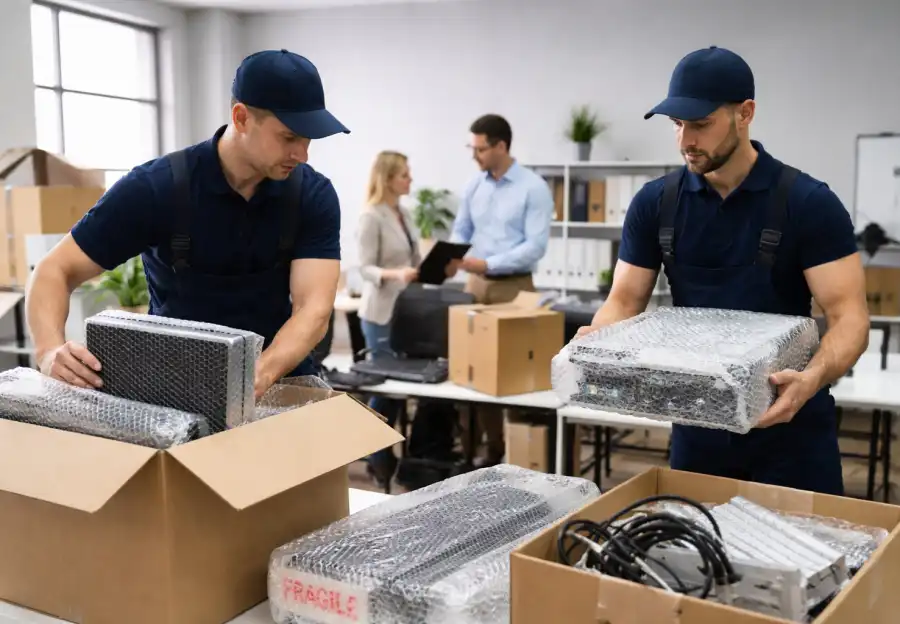
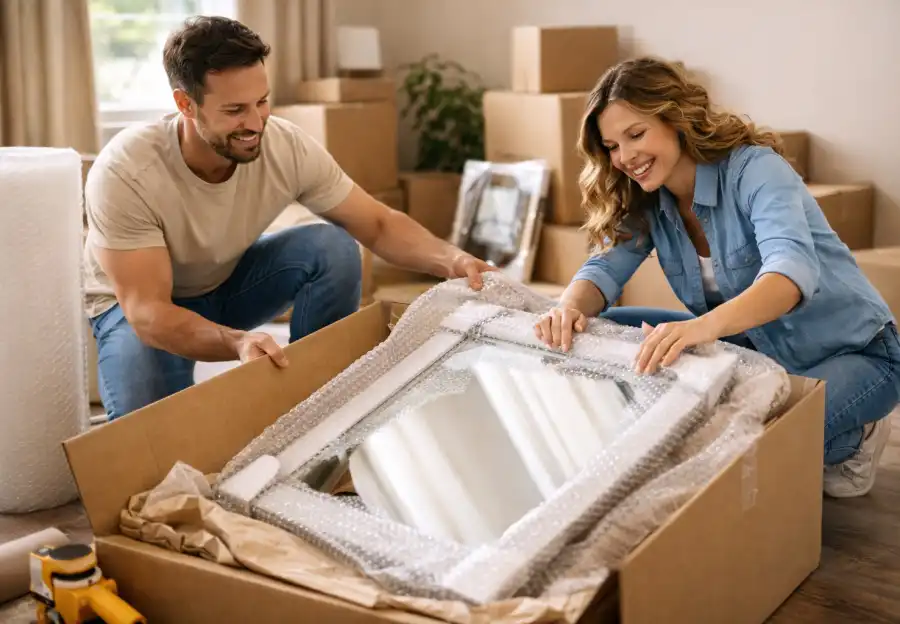
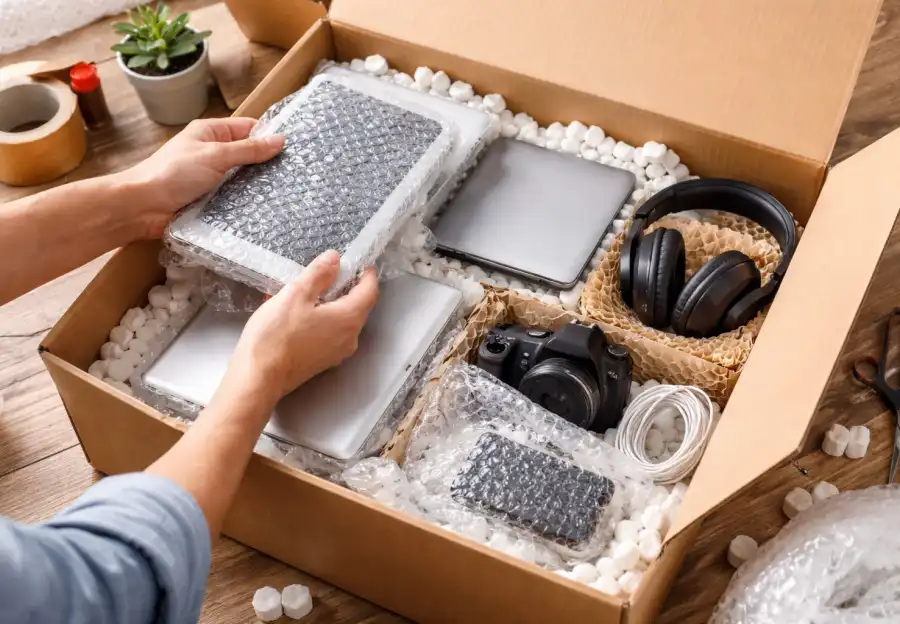
Choosing the right packing materials is critical for protecting electronics. Original packaging is always the best option when available, as it is designed specifically to cushion and support the device. When original boxes are not available, sturdy corrugated boxes combined with bubble wrap, foam inserts, packing peanuts, and anti-static bags provide excellent protection. Sensitive electronics should be wrapped individually, with anti-static materials used for components such as computer parts and circuit boards. Extra padding around corners and edges helps absorb shocks and prevents scratches or cracks during transport.
Disassembling larger electronic setups is another important step in safe packing. Desktop computers, stereo systems, and home theater setups often include multiple components that are safer to transport separately. Removing monitors, CPUs, speakers, and peripherals reduces overall weight and minimizes stress on cables and connectors. Small parts such as screws, remote controls, and adapters should be placed in labeled ziplock bags and kept with the corresponding device. Proper labeling ensures that reassembly at the new location is straightforward and frustration-free.
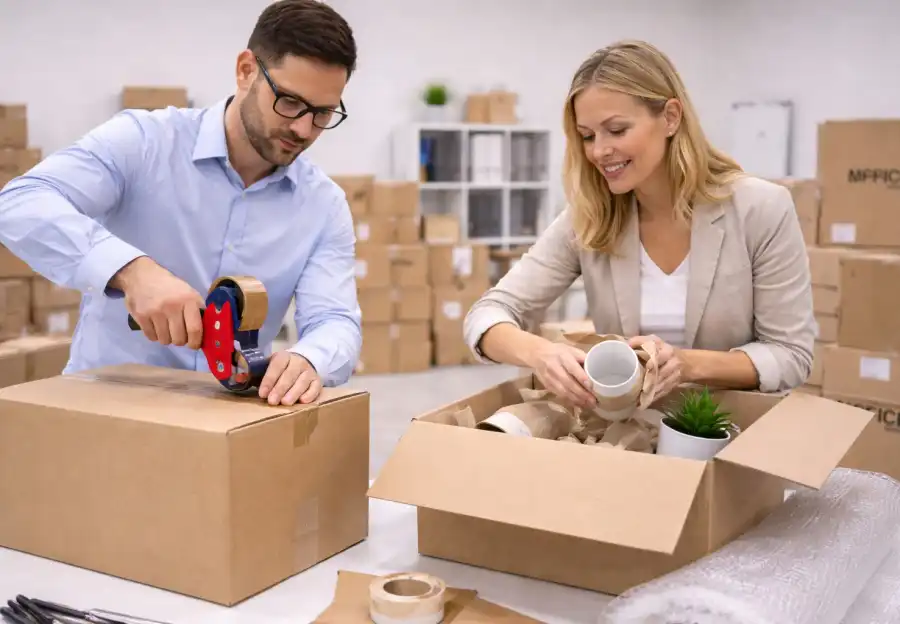
Securing electronics inside boxes requires careful attention to orientation and stability. Devices should fit snugly within boxes, with no room for shifting during movement. Heavier items should be placed at the bottom of the box, while lighter components rest on top. Any empty spaces should be filled with packing material to prevent movement and absorb vibration. Cords and accessories should be wrapped separately to avoid tangling or pressure on ports. When packing multiple items in one box, padding between each device is essential to prevent contact and damage.
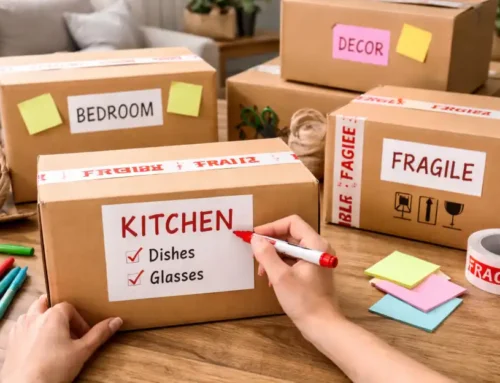
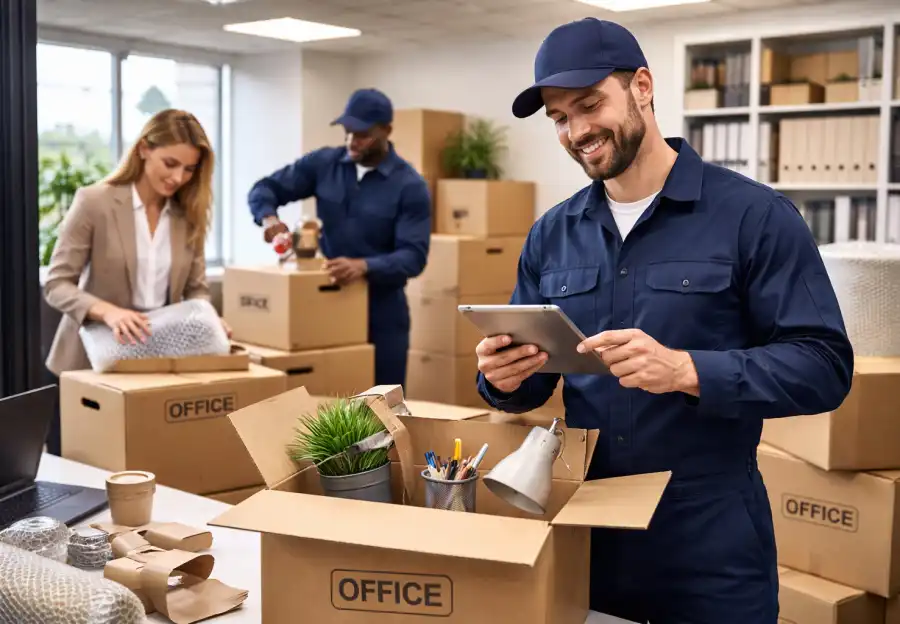
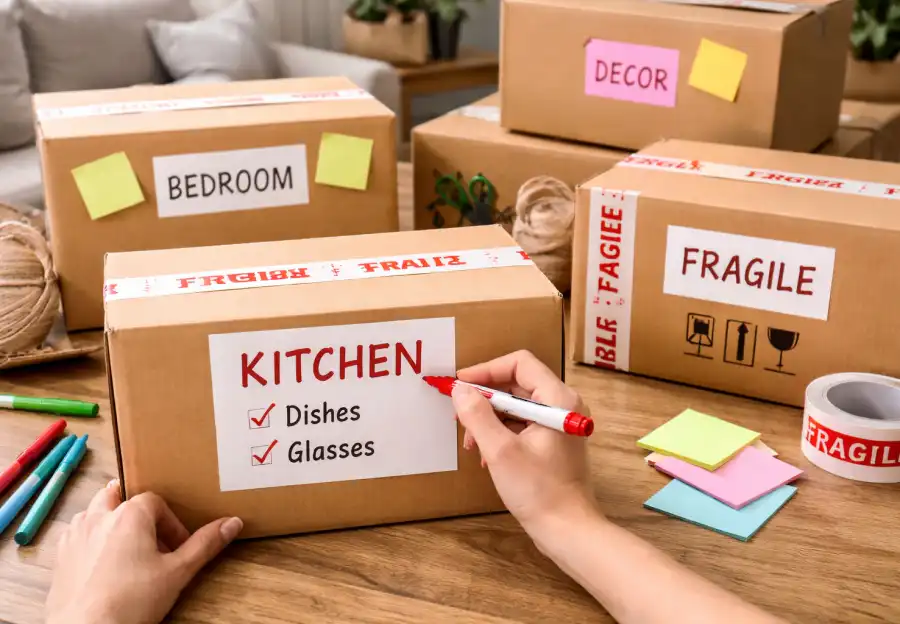
Clear labeling plays a vital role in protecting electronics during a move. Boxes should be clearly marked with “Fragile,” “This Side Up,” and the specific type of device inside. These labels alert movers to handle the boxes carefully and avoid stacking heavy items on top. Including a brief inventory list or setup notes inside the box can also be helpful, especially for complex systems. Proper labeling not only protects the devices but also saves time during unpacking and setup.
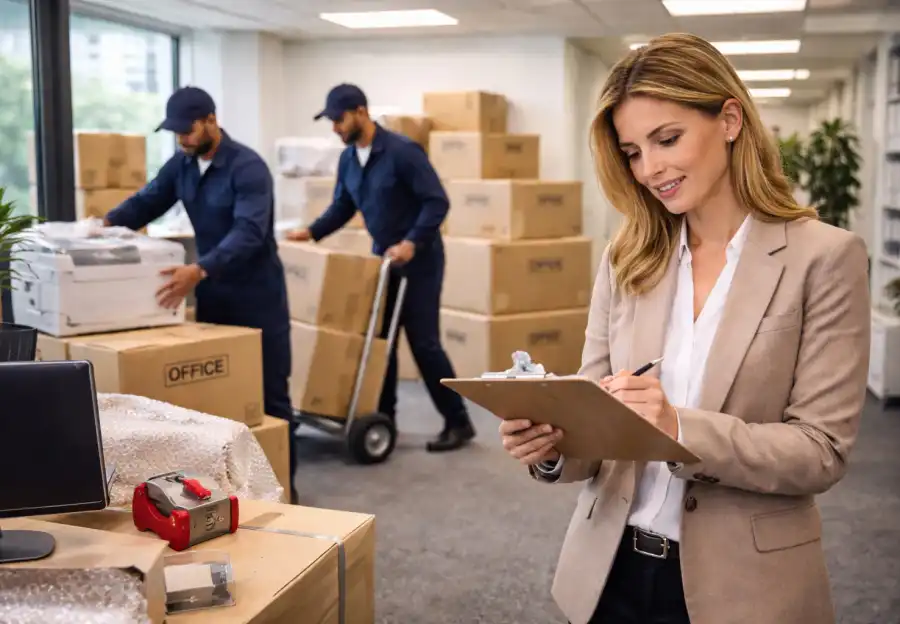
For high-value or extremely delicate electronics, professional packing services may be worth considering. Trained movers have specialized tools, materials, and experience to handle large televisions, high-end computers, and professional audio or video equipment safely. Many moving companies also offer insurance or protection plans that provide financial coverage in case of accidental damage. This added layer of security can offer peace of mind, particularly when transporting expensive or irreplaceable equipment.
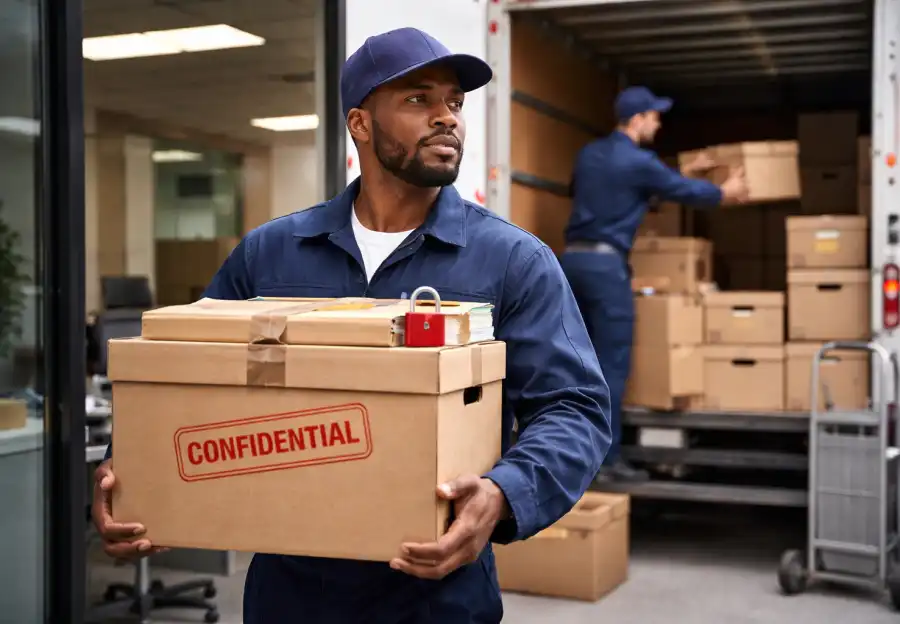
Environmental conditions during transport should also be carefully managed. Extreme heat, cold, humidity, or direct sunlight can damage screens, batteries, and internal circuits. Whenever possible, electronics should be transported in climate-controlled vehicles and protected from moisture. Careful handling during loading and unloading is equally important, as sudden drops or jolts can cause internal damage that may not be immediately visible.
Once you arrive at your new home, unpacking electronics should be done patiently and methodically. Protective materials should only be removed after devices are placed in their intended locations. Inspecting each item for signs of damage before plugging it in allows for early detection of issues. Following manufacturer guidelines for setup and power connections ensures proper function and long-term performance.
In conclusion, packing electronics safely requires planning, organization, and attention to detail. By assessing devices, backing up data, using appropriate packing materials, disassembling and labeling components, securing items properly, maintaining suitable environmental conditions, and unpacking carefully, you can protect both the functionality and value of your electronics. With the right preparation, even the most sensitive and expensive devices can be transported safely, ensuring a smooth, stress-free transition to your new home.