
February 20, 2026
How to Prepare Employees for an Office Move
Moving IT equipment and electronics during an office relocation requires careful planning, meticulous preparation, and precise execution because these assets are central to daily business operations and highly vulnerable to damage. Computers, servers, monitors, networking systems, and telecommunications devices can be affected by impact, vibration, static electricity, moisture, temperature changes, and improper handling. A structured and methodical approach ensures that critical technology remains protected, downtime is minimized, and business continuity is maintained throughout the relocation process.
The first essential step is conducting a comprehensive inventory of all IT and electronic equipment. This includes computers, servers, monitors, printers, networking hardware, telephones, peripherals, and any specialized or proprietary devices. Recording serial numbers, configurations, warranty details, and current condition helps prevent loss, supports insurance claims if necessary, and ensures accountability. Identifying which systems are mission-critical allows organizations to prioritize protection and plan for rapid setup at the new location, reducing operational disruption.
Risk assessment is equally important, as different devices face different vulnerabilities during a move. Servers and networking equipment may be sensitive to vibration, while monitors and peripherals are prone to physical impact. Environmental risks such as dust, humidity, temperature fluctuations, and power instability must also be considered. Consulting manufacturer guidelines and IT professionals helps define proper handling, disassembly, transport, and reinstallation procedures. This evaluation allows businesses to develop targeted protective measures that reduce the likelihood of equipment failure or data loss.
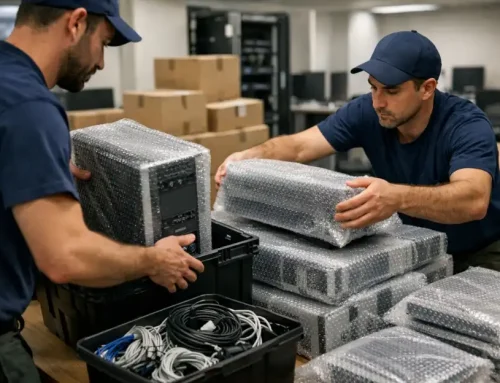
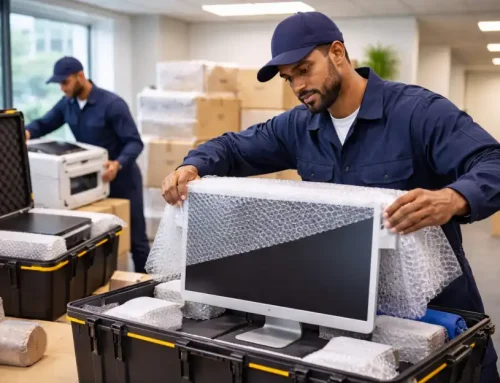
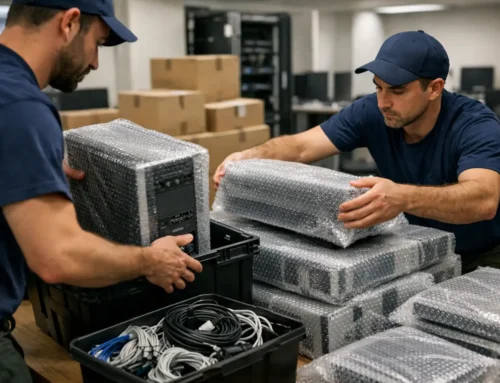
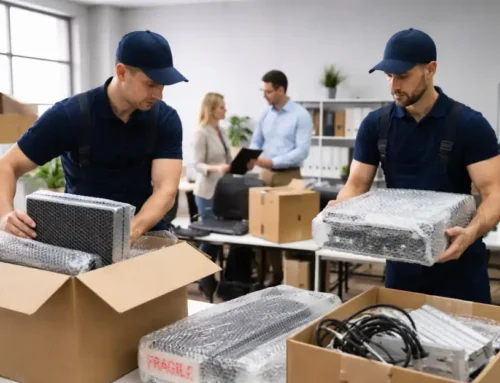
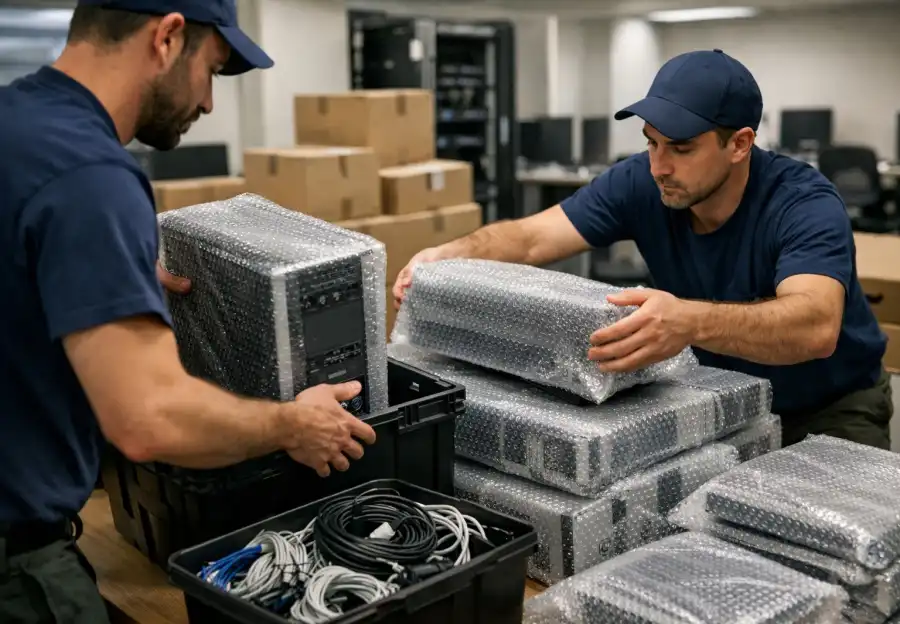
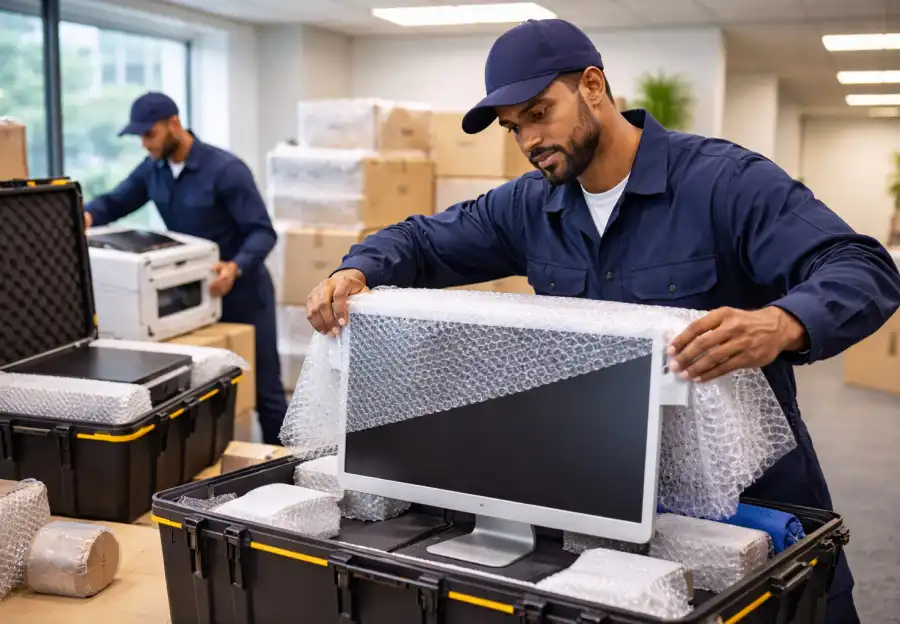
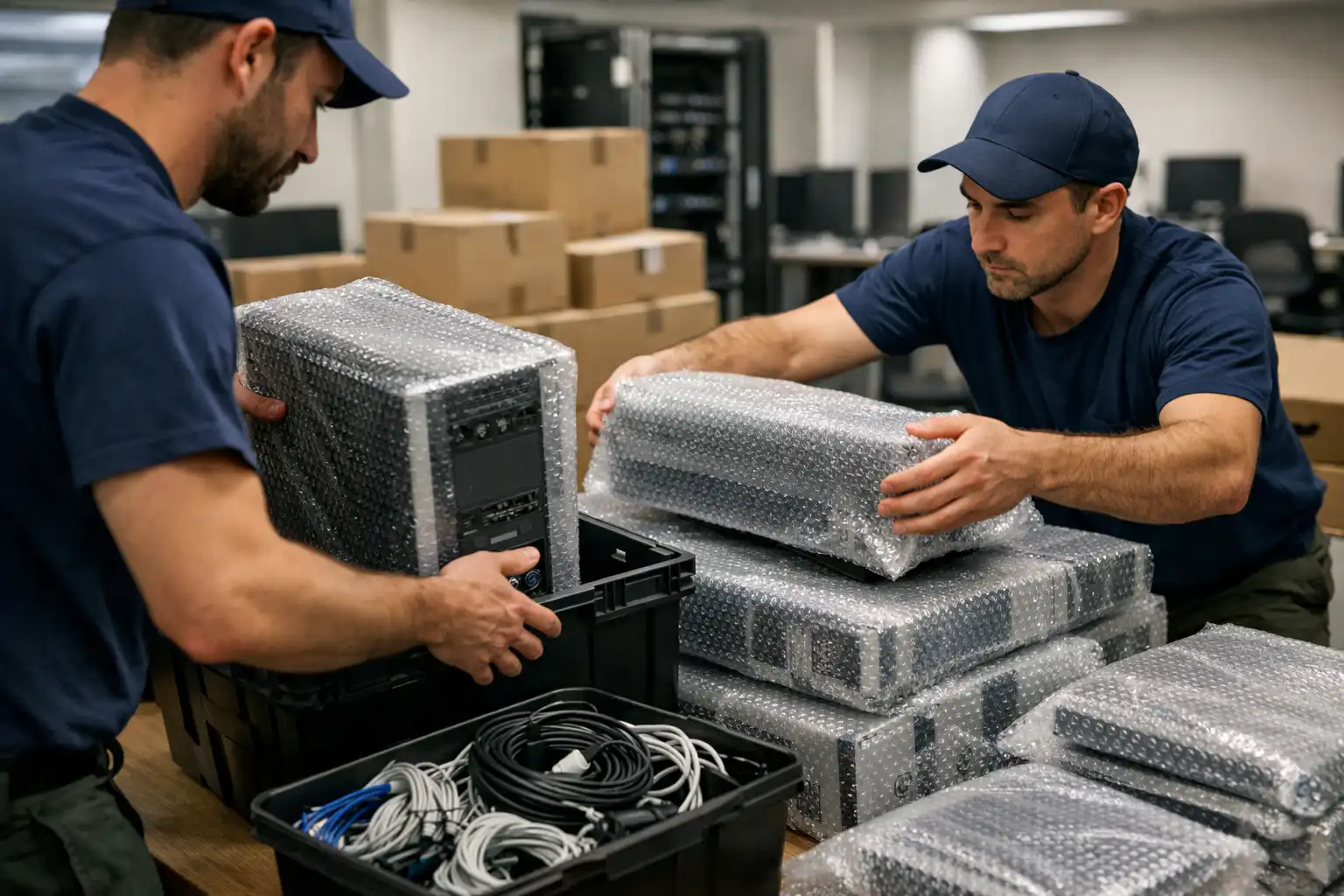
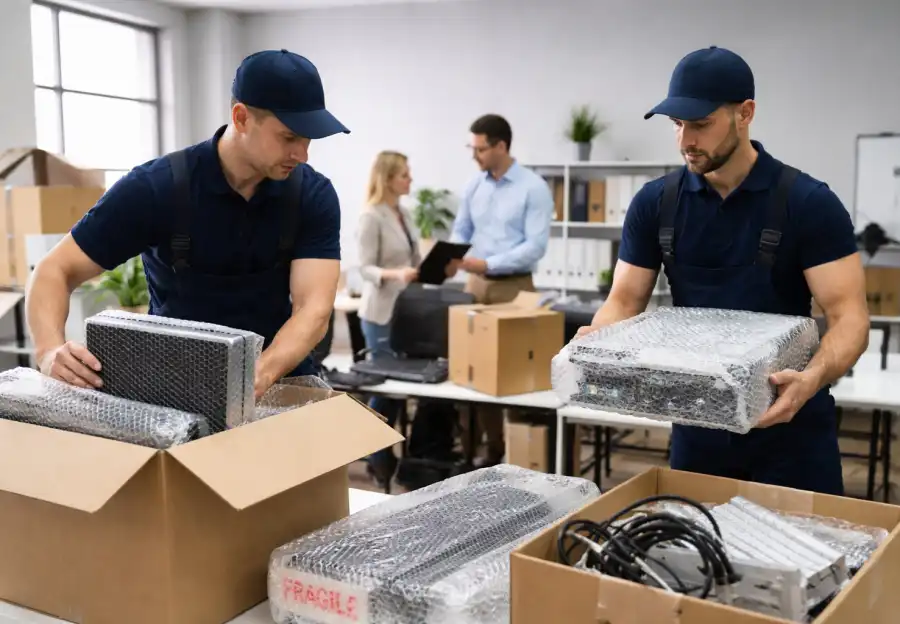
Professional packing techniques play a crucial role in safeguarding electronics. Anti-static bags protect sensitive components from electrostatic discharge, while padded boxes, foam inserts, and bubble wrap absorb shocks during transit. Equipment should be packed snugly but not tightly, ensuring stability without pressure. Each box must be clearly labeled with contents, destination, and handling instructions such as “Fragile” or “This Side Up.” Color-coded or numbered labeling systems further streamline unpacking and reinstallation, saving time and minimizing confusion at the new office.
Careful disassembly and preparation of IT systems are also critical. Many devices cannot be safely moved while fully assembled, so power supplies should be disconnected, detachable parts removed, and cables neatly secured. Taking photos or creating diagrams of setups before disassembly simplifies reinstallation later. Small components such as screws, adapters, and connectors should be stored in labeled bags attached to their respective devices. Additionally, backing up all data, software, firmware, and network configurations before the move provides essential protection against data loss.
Engaging professional movers and IT specialists is strongly recommended for office relocations involving technology. Experienced IT relocation teams understand how to handle servers, racks, and networking hardware safely and efficiently. Their expertise reduces the risk of damage and accelerates setup at the new location. Coordinating with internal IT staff ensures that security protocols are maintained, priorities are clear, and sensitive data is protected. Assigning a dedicated point of contact during the move allows quick decision-making if unexpected issues arise.
Environmental control during transport and storage is another vital consideration. Electronics are highly sensitive to extreme temperatures, humidity, and dust. Using climate-controlled vehicles and storage facilities prevents degradation and malfunction. Avoiding direct sunlight, moisture, and contaminants during loading and unloading further protects equipment. In some cases, monitoring conditions with sensors or data loggers provides additional assurance that environmental thresholds are not exceeded during transit.
Logistics and transportation planning significantly influence the success of moving IT equipment. Scheduling the move during off-peak hours reduces traffic-related delays and risks. Using appropriate lifting tools such as dollies, carts, and lifts prevents physical strain and accidental drops. Coordination with building management ensures access to loading docks, elevators, and secure entry points. Contingency planning for delays, mechanical issues, or access restrictions helps maintain continuity and prevents last-minute disruptions.
Once the equipment arrives at the new location, systematic setup and testing are essential. Reconnecting devices in a logical order ensures efficiency and accuracy. Servers, networking systems, and workstations should be tested thoroughly to confirm functionality, connectivity, and configuration. Software and firmware updates may be required after reinstallation. Prompt troubleshooting and clear communication with staff help restore productivity quickly and reduce frustration during the transition.
Insurance and contingency planning provide critical safeguards throughout the relocation process. Comprehensive insurance coverage protects against financial loss in case of damage or accidents. Maintaining backup equipment, temporary systems, or cloud-based resources ensures operations can continue if issues arise. Detailed documentation of each stage of the move creates a valuable reference for future relocations and strengthens risk management strategies.
By combining detailed inventory management, risk assessment, professional packing, careful disassembly, IT specialist involvement, environmental control, precise logistics, systematic setup, testing, and insurance planning, businesses can relocate IT equipment safely and efficiently. This structured approach transforms a high-risk process into a controlled and successful transition, protecting valuable technology, supporting employees, and enabling organizations to resume full operations quickly and confidently in their new office environment.