February 19, 2026
Best Practices for Moving IT and Electronics
Moving IT equipment and electronics during an office relocation requires careful planning, meticulous preparation, and precise execution because these assets are critical to daily business operations and highly sensitive to damage. Computers, servers, monitors, networking systems, and specialized electronics can be affected by impact, vibration, static electricity, moisture, dust, and improper handling. A poorly managed move can result in costly repairs, data loss, or extended downtime. A structured and methodical approach ensures that technology assets are protected, business continuity is maintained, and employees can resume work quickly in the new office.
The first essential step in moving IT equipment is conducting a comprehensive inventory. This involves listing all devices, including desktops, laptops, servers, networking hardware, telecommunication systems, peripherals, and specialized equipment. Recording serial numbers, current condition, warranties, and configuration details helps prevent loss and supports insurance claims if damage occurs. Inventorying also allows businesses to identify which systems are mission-critical and need priority handling or rapid reinstallation. Understanding equipment dependencies ensures that essential systems are protected and downtime is minimized.
Risk assessment is equally important because each piece of equipment has unique vulnerabilities. Servers may be sensitive to vibration, monitors to pressure, and networking devices to static discharge. Evaluating potential risks such as temperature changes, humidity, dust exposure, and power fluctuations allows for the development of tailored protective measures. Consulting manufacturer guidelines or IT specialists ensures correct disassembly, transport, and reinstallation procedures are followed. This proactive planning significantly reduces the likelihood of damage and operational failure during the move.
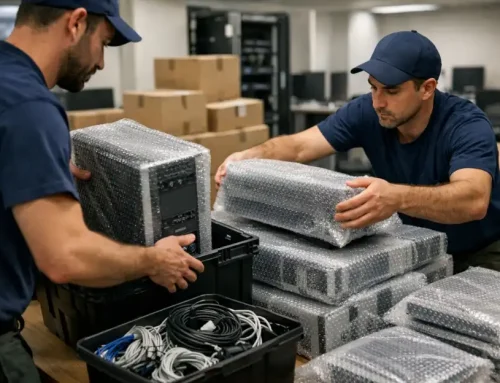
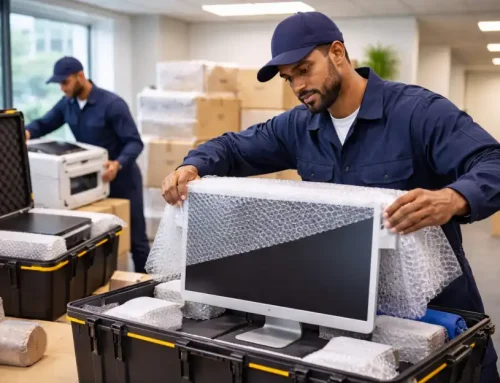
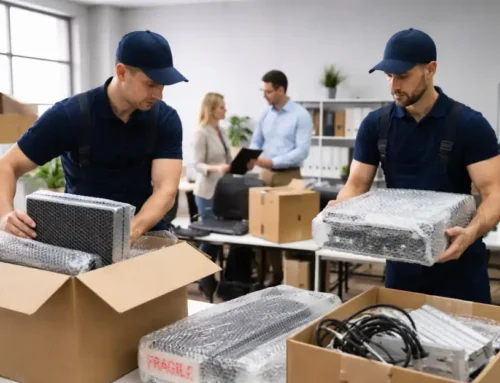
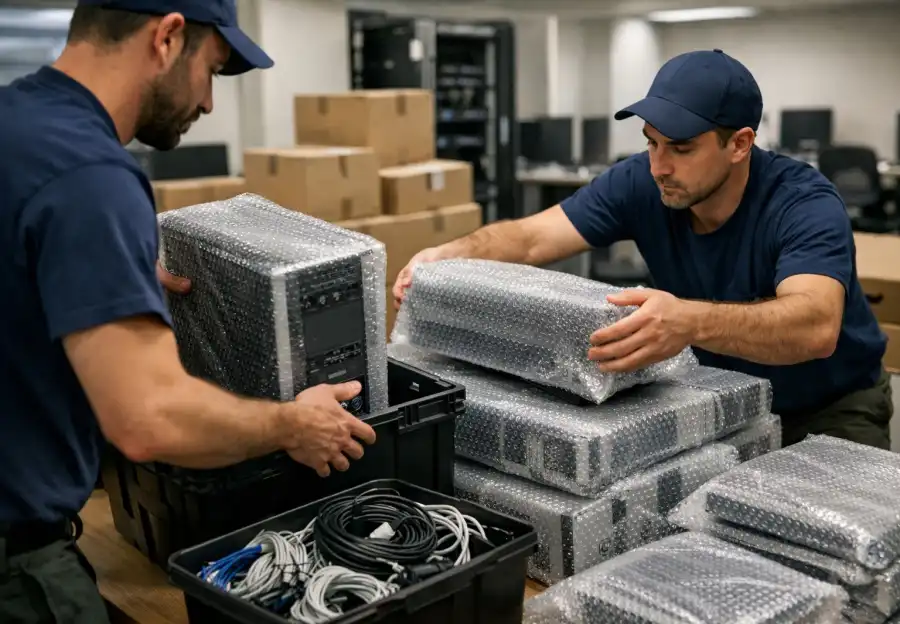
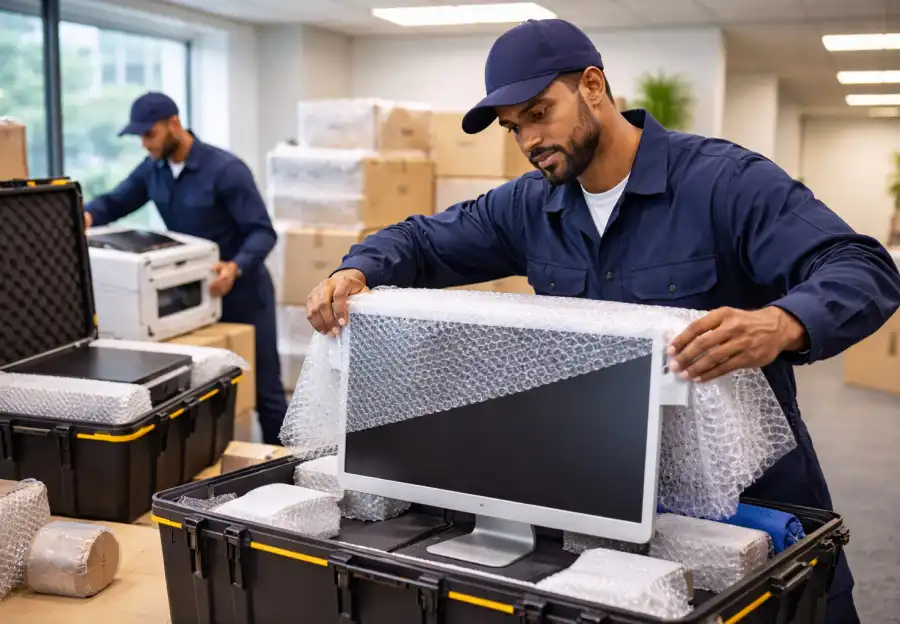
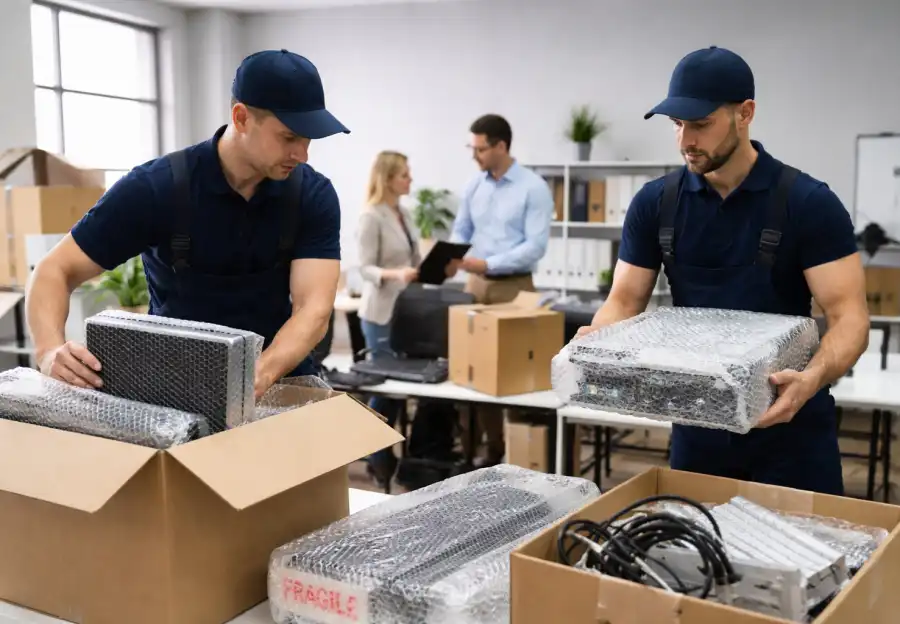
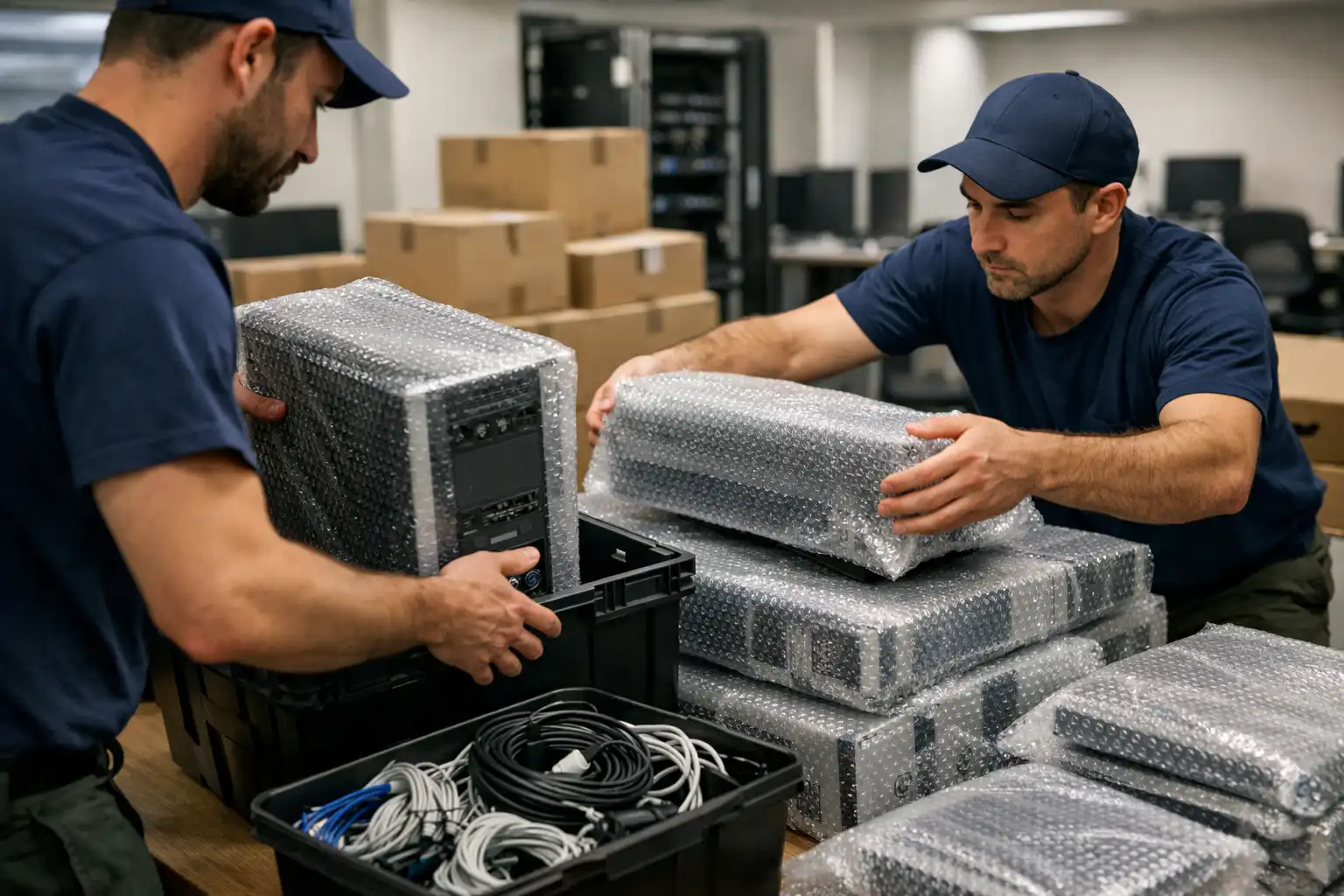
Professional packing techniques play a crucial role in protecting electronics. Using anti-static bags, foam inserts, padded boxes, bubble wrap, and moisture-resistant containers shields equipment from shocks and static electricity. Original packaging should be used whenever possible, as it is designed specifically for the device. Each box should be clearly labeled with contents, destination, orientation, and handling instructions such as “Fragile” or “This Side Up.” Color-coded or numbered labeling systems further simplify unpacking and ensure that equipment reaches the correct department or workstation.
Careful disassembly and preparation of IT systems are critical to a successful relocation. Many devices cannot be transported fully assembled without risk. Power supplies should be disconnected, detachable components removed, and cables neatly bundled and labeled. Taking photos or creating diagrams of cable connections and configurations helps ensure accurate reassembly. Small items such as screws, adapters, and accessories should be stored in labeled bags and packed with the corresponding equipment. Additionally, backing up all data, software, and network configurations before the move provides essential protection against data loss.
Engaging professional movers and IT relocation specialists is highly recommended for office moves involving complex technology. These professionals have experience handling sensitive electronics and follow industry best practices to minimize risk. Coordinating external movers with internal IT teams ensures that priorities are clear, security protocols are maintained, and timelines are met. Assigning a dedicated point of contact during the move allows for quick decision-making and problem resolution, reducing delays and confusion.
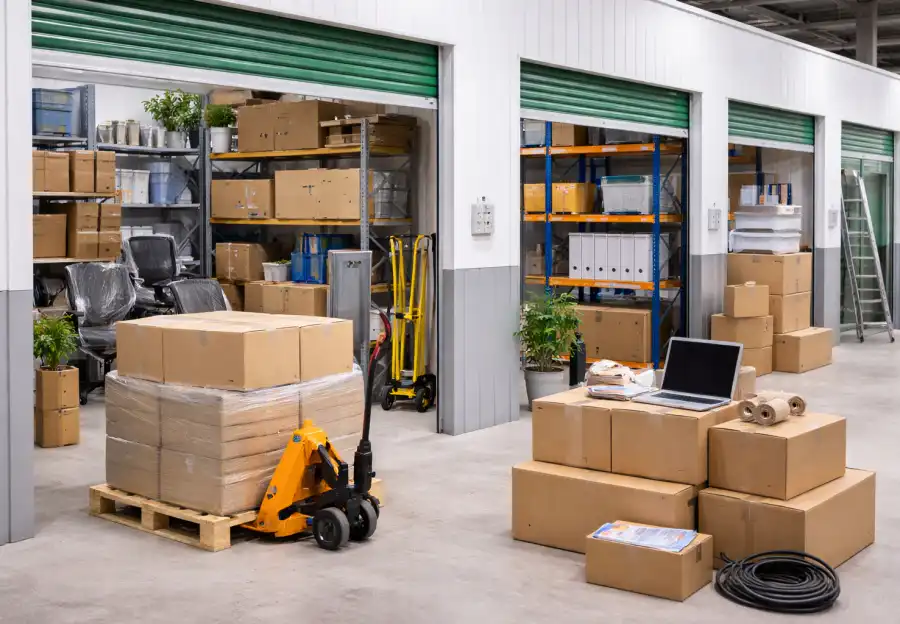
Environmental control during transport and temporary storage is another vital consideration. Electronics are vulnerable to extreme temperatures, humidity, and dust. Using climate-controlled vehicles and storage areas helps preserve equipment integrity. Monitoring conditions with sensors or data loggers provides additional assurance, especially for high-value servers and networking hardware. Avoiding direct sunlight, water exposure, and contaminated environments ensures long-term reliability and performance of relocated equipment.
Logistics and transportation planning significantly influence the success of an IT move. Scheduling the relocation during off-peak hours reduces traffic delays and minimizes disruption to business operations. Using appropriate handling equipment such as carts, dollies, lifts, and anti-vibration platforms reduces physical strain and the risk of drops or impacts. Coordinating with building management to reserve elevators, loading docks, and access routes ensures smooth movement of equipment. Contingency plans for delays, vehicle issues, or unexpected obstacles further protect operational continuity.
Once the equipment arrives at the new location, systematic setup and testing are essential. Reconnecting systems in a planned sequence ensures that core infrastructure is operational before dependent devices are brought online. Servers, networking equipment, and workstations should be tested for connectivity, performance, and security. Software and firmware updates should be applied as needed, and any issues addressed immediately. Providing staff with guidance on new layouts or configurations helps restore productivity quickly and reduces user errors.
Insurance and contingency planning provide additional safeguards. Even with careful preparation, unforeseen incidents can occur. Comprehensive insurance coverage protects financial interests, while backup equipment, cloud services, or temporary workarounds ensure business continuity if problems arise. Documenting each stage of the move creates a valuable reference for future relocations and supports accountability.
By combining detailed inventory management, risk assessment, professional packing, careful disassembly, specialist involvement, environmental control, precise logistics, thorough testing, and robust contingency planning, businesses can relocate IT equipment safely and efficiently. This structured approach transforms a potentially high-risk process into a controlled and successful transition, protecting valuable technology assets, minimizing downtime, and ensuring that operations resume smoothly in the new office environment.